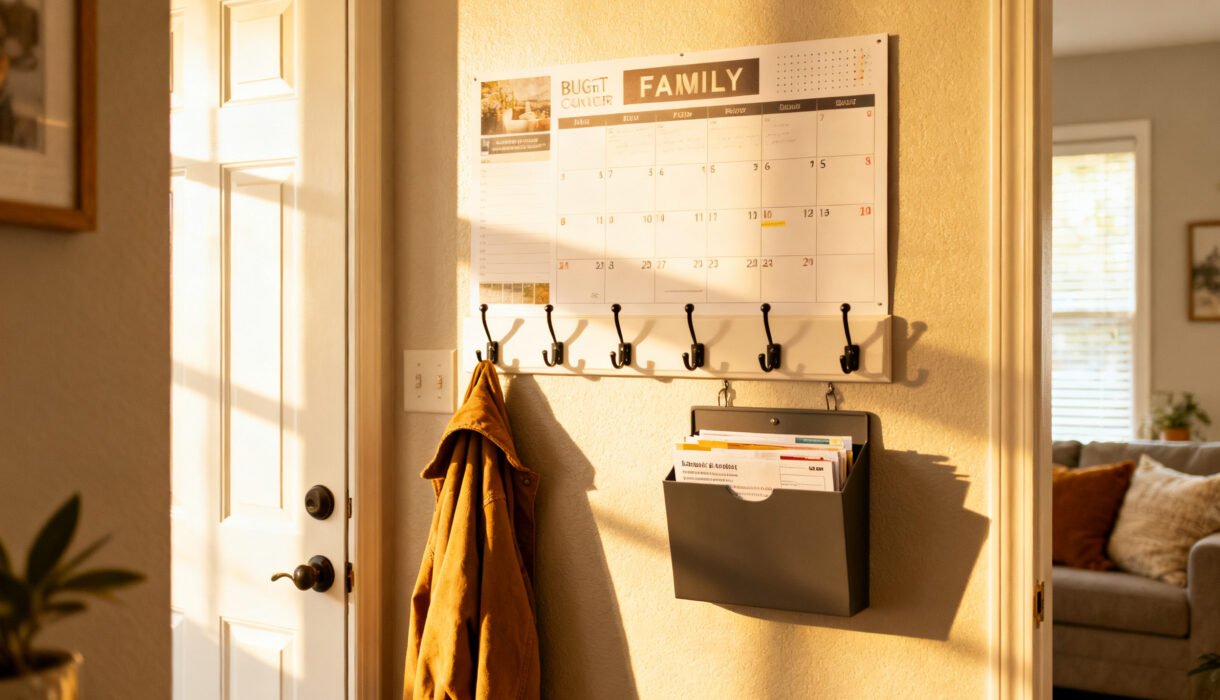

Chaos happens when nobody knows what’s for dinner, where the permission slip went, or who’s driving soccer carpool. A family command center solves that fast—no renovation, no designer price tag. You’ll corral schedules, papers, and keys in one spot, and you can build it this weekend with stuff you already own (or can grab for cheap).
Ready to stop yelling “Where are the scissors?!” every 20 minutes?
Pick the Perfect Spot (Without Moving a Wall)
Location matters more than fancy supplies. You want high-traffic—but not high-clutter—real estate. Think: a sliver of kitchen wall, the mudroom, the inside of a pantry door, or that sad hallway nobody loves. Checklist to choose your zone:
- Can everyone see it and use it daily?
- Does it handle splashes, backpacks, and the occasional glitter explosion?
- Can you mount a few light organizers without drilling into plumbing (FYI: pipes hate surprises)?
Decide What Your Family Actually Needs (Not Pinterest’s)
Stop before you buy stuff.
Make the command center work for your crew’s real chaos, not someone else’s. Grab a scrap paper and list your biggest pain points.
Core functions to consider
- Calendar: Track sports, work shifts, school events.
- Meal planning: What’s for dinner and who’s chopping onions?
- Paper inbox: Permission slips, mail, coupons you’ll actually use.
- Chore or habit tracker: Kid jobs, pet feeding, laundry rotation.
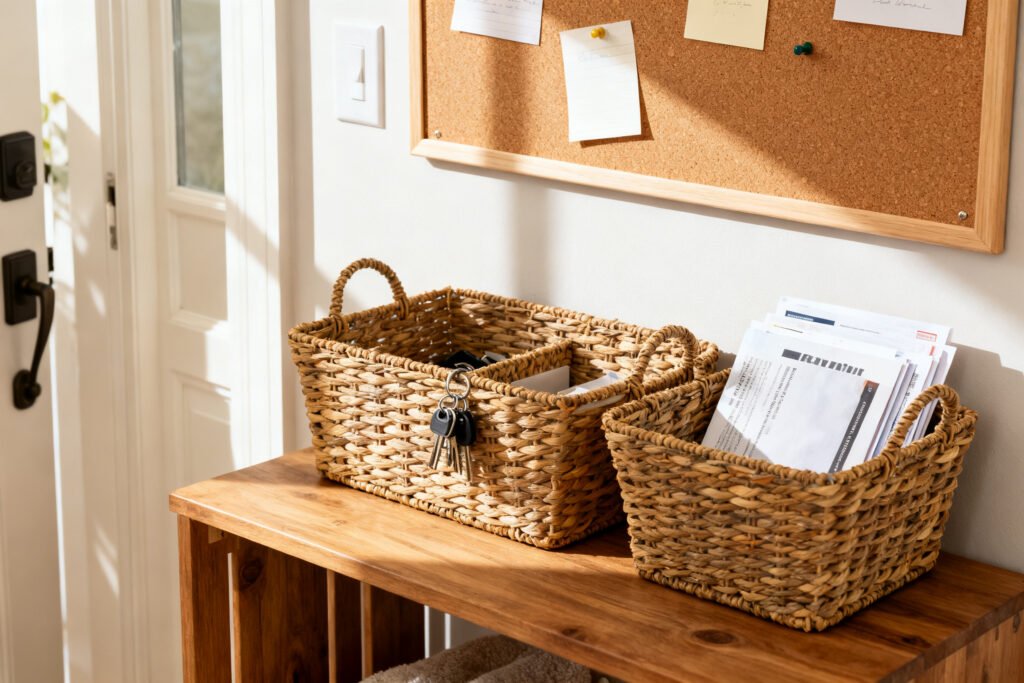
- Key/gear parking: Keys, sunglasses, library books, headphones.
- Quick notes: Reminders, grocery gaps, carpool changes.
IMO, limit yourself to 3–5 functions max at first. Add later if you genuinely miss something.
Shop Your House First (Then Hit the Cheap Aisles)
You probably own half the pieces already.
Raid closets, junk drawers, and that box of “random office stuff” you forgot to unpack.
Free or nearly free finds
- Old frames: Pop in blank paper = instant dry-erase board with a marker.
- Clipboards: Hang three in a row for papers, menus, or school updates.
- Cookie sheet: Spray paint = chic magnetic board on the cheap.
- Magazine files or shoebox lids: Wall-mount as paper sorters.
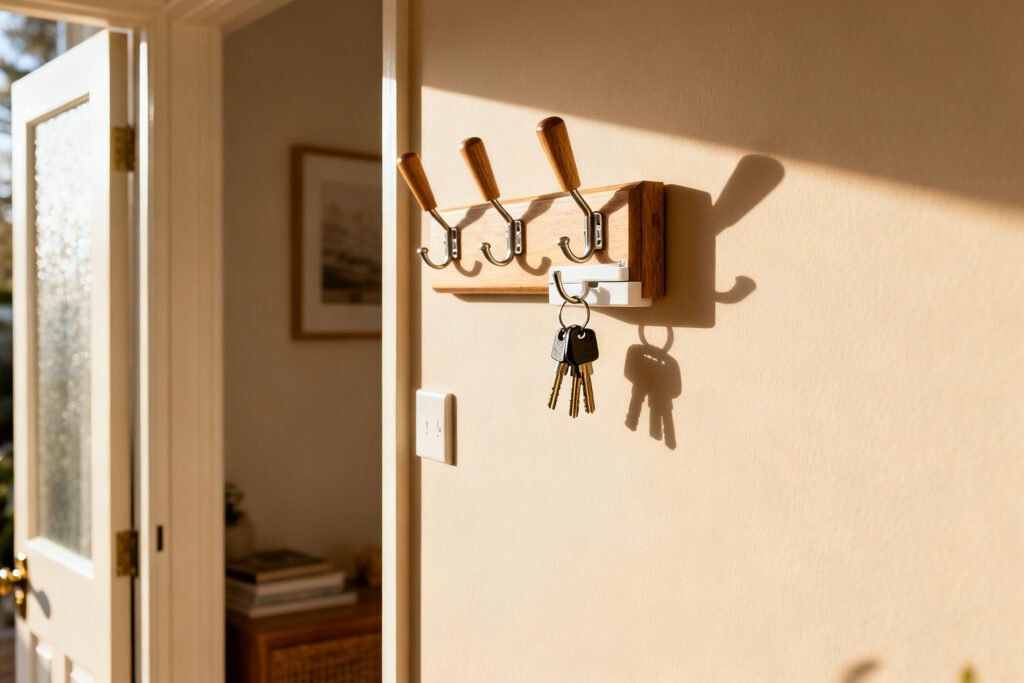
- Command hooks: Keys, masks, dog leashes—no holes, no drama.
Thrifty MVPs to buy
- $1–$5: Dry-erase markers, sticky notes, magnetic clips.
- $5–$15: Over-the-door hooks, cork tiles, wire baskets.
- $15–$30: Large wall calendar, pegboard panel, slim shoe rack for backpacks.
Stick to a simple color palette so your center looks intentional, not like a yard sale had a baby with a school hallway.
Build a Layout That Actually Works
Arrange by how people move through the house. You want a left-to-right flow: incoming stuff → processing → outgoing. Sounds corporate; works like magic.
Simple, budget-friendly layout
- Top row: Calendar and weekly meal plan (eye level for adults).
- Middle row: Two or three clipboards: School, Bills, To-Sign.
- Side zone: Cork strip or magnetic board for invites and RSVP cards.
- Bottom row: Hooks for keys and a small basket for sunglasses or earbuds.
Pro tip: Keep the daily stuff front and center.
Tuck long-term items higher or lower so they don’t hog brain space.
Create a Calendar You’ll Actually Use
A giant acrylic board looks cool, but a $12 wall calendar works just fine. The trick? Color coding and a weekly reset.
Color-code the chaos
- Each person gets a color: Use markers or highlighters.
- Theme colors for sanity: Blue = appointments, green = money/bills, orange = deadlines.
- Icons over words: Soccer ball, stethoscope, music note.
Faster than reading, IMO.
Weekly reset routine (10–15 minutes)
- On Sunday, clear last week’s notes.
- Transfer essential events from your digital calendar.
- Pick 2–3 dinners and write the grocery must-haves.
- Assign rides and chores—no “I didn’t know!” excuses later.
FYI: Snapping a photo of the board each Sunday saves fights midweek.
Tame Paper Clutter Without a Shredder Marathon
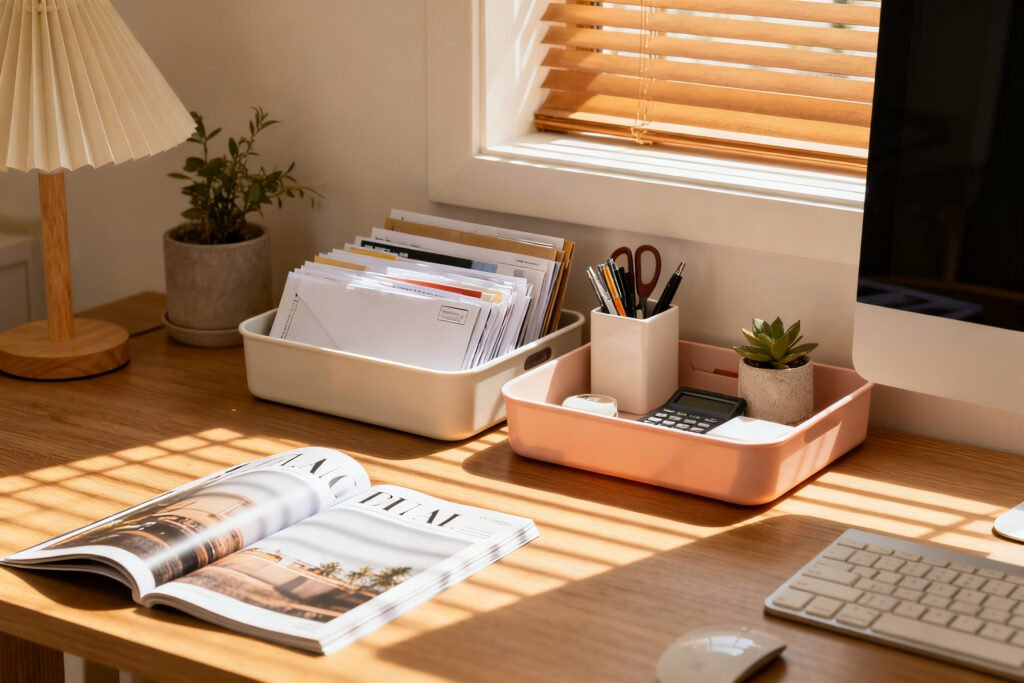
Paper breeds overnight. Stop it at the door with a 2-bin system and a ruthless rule: nothing lives here longer than a week unless you schedule it.
Your 2-bin setup
- Bin 1: Incoming (mail, school notes, forms). Empty daily in 3 minutes.
- Bin 2: Action (to pay, to sign, to file).
Attach a pen on a string so nobody escapes forms again.
What gets filed where
- Short-term keepers: Menus, coupons, invites—clip them to the board with an expiration date.
- Long-term stuff: Birth certificates and taxes don’t belong here. Use a separate folder or drawer.
If something lingers longer than two weeks, schedule it or toss it. Yes, even the “urgent” flyer from last month’s bake sale.
A command center works best when the whole home feels calmer. Kick things off with the free 5-Day Budget Home Reset, a five-day plan to reset the clutter around it.
Make It Kid-Proof and Teen-Approved
Short people can’t read your calendar if you mount it at NBA height.
Bring the action down to their eye level and they’ll actually use it.
Kid-friendly add-ons
- Visual chore chart: Icons for “feed pet,” “set table,” “tidy toys.”
- Reward tracker: Sticker row = instant motivation without bribing your way through Target.
- Grab-and-go basket: Library books, school IDs, sports mouthguards.
Teen-friendly tweaks
- Shared digital calendar sync: Add a QR code to your center that links to the family Google Calendar.
- Quiet hours block: Put study times on the board so nobody “forgets.”
- Device drop zone: A cheap multi-port charger under the command center = less cable chaos.
Make It Cute (On a Ramen Budget)
You don’t need a full “studio apartment aesthetic.” Tiny upgrades make it feel finished without draining your coffee fund.
- Labels fix everything: Use masking tape and a Sharpie for now; upgrade to label-maker glory later.
- Matching clips or baskets: Pick one color family for instant cohesion.
- Mini plant or photo strip: A little personality beats sterile office vibes.
- Washi tape borders: Frame sections and guide the eye—cheap and cheerful.
Keep It Running (Because Systems Die Without Maintenance)
Maintenance beats reinvention. Set tiny habits so your command center stays useful, not decorative.
Three micro-habits
- Daily: Two-minute reset after dinner. Toss junk, move papers, update a note.
- Weekly: Sunday calendar refresh and meal picks.
- Monthly: Purge outdated flyers and dead pens.
Hold a 5-minute “what’s working?” huddle.
Reward yourselves when you hit a month of consistency. Ice cream counts as project management, right?
FAQ
How big should a family command center be?
Start small—think 3–4 feet wide max. You want enough space for a calendar, an inbox, and a few hooks.
Add pieces only if you consistently run out of room.
For more organized-home ideas, check out budget entryway makeover ideas, small entryway styling and storage, and keep your home calm and organized.
What if I rent and can’t drill?
Use Command strips, over-the-door organizers, and freestanding pieces. A slim bookcase or shoe rack under a wall calendar handles baskets and bins like a champ.
Is a digital-only system better?
Both have strengths. Digital keeps events synced; a wall hub keeps tasks visible.
Blend them: mirror key dates on the board and use a shared app for alerts.
How do I keep the kids from ignoring it?
Put their names and colors on the board, add a simple reward loop, and give them jobs tied to the center (like “update your practice times on Sundays”). Ownership = usage.
What’s the cheapest calendar option?
Slip a blank monthly grid behind glass in an old frame and use dry-erase markers. Or print a free monthly template and clip it to a clipboard.
How do I prevent paper piles from returning?
Limit entry points: all papers hit the Incoming bin first.
Process daily, schedule anything that takes longer than 2 minutes, and clear the Action bin every Sunday. Ruthlessness beats piles.
Conclusion
You don’t need custom cabinetry to run a smooth household—you just need a smart spot, a few cheap tools, and a weekly reset. Build your command center around real problems, not pretty photos, and keep it lean.
Start small, tweak often, and celebrate every “We actually knew where the permission slip was!” moment. Your future self will thank you—loudly.