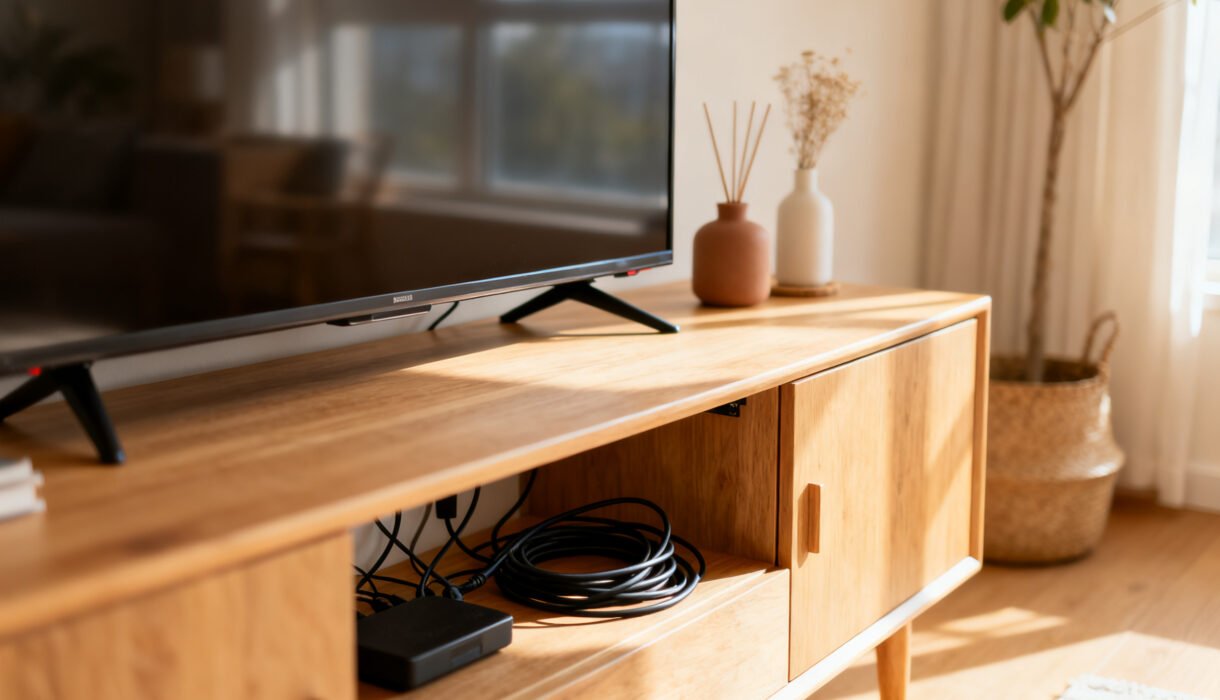

Your living room shouldn’t look like a tech octopus exploded behind the TV. Cords creep, tangle, and trip you at the worst moments. The good news: you don’t need pricey furniture or a handyman to tame the chaos.
With a few cheap tricks, you can hide, corral, and actually feel proud when guests don’t spot a single cable.
Start With a Ruthless Declutter
You can’t hide what you don’t understand. Pull everything out, unplug it, and take inventory. If a cable doesn’t connect anything, it’s gone.
If you own three HDMI cables but use one, store the extras elsewhere. Label both ends of the cables you keep. A simple masking tape tag saves future-you a meltdown when you’re on your knees behind the TV at 11 PM. While you’re at it, coil excess length with Velcro ties.
No Velcro? Twist ties from bread bags work in a pinch, FYI.
Stick It to the Wall (and Furniture)
Adhesive cable clips cost a few bucks and change everything. You can route cords along the back of furniture, under shelves, or down the side of a desk so they practically vanish.
Black clips disappear on dark furniture; clear clips work for, well, everything else.
Smart spots for clips
- Under the lip of a desktop to guide keyboard, mouse, and charger leads
- Along the back edge of a TV stand to run HDMI and power neatly
- Down the leg of a console table so cords meet the outlet cleanly
Don’t yank the cords tight. Leave a small service loop near each device so you can pull it forward without ripping clips off. Your sanity will thank you.
Disguise With Everyday Stuff
You don’t need designer cord boxes.
You can DIY with things already at home and spend your money on snacks instead.
Use a shoebox (yes, really)
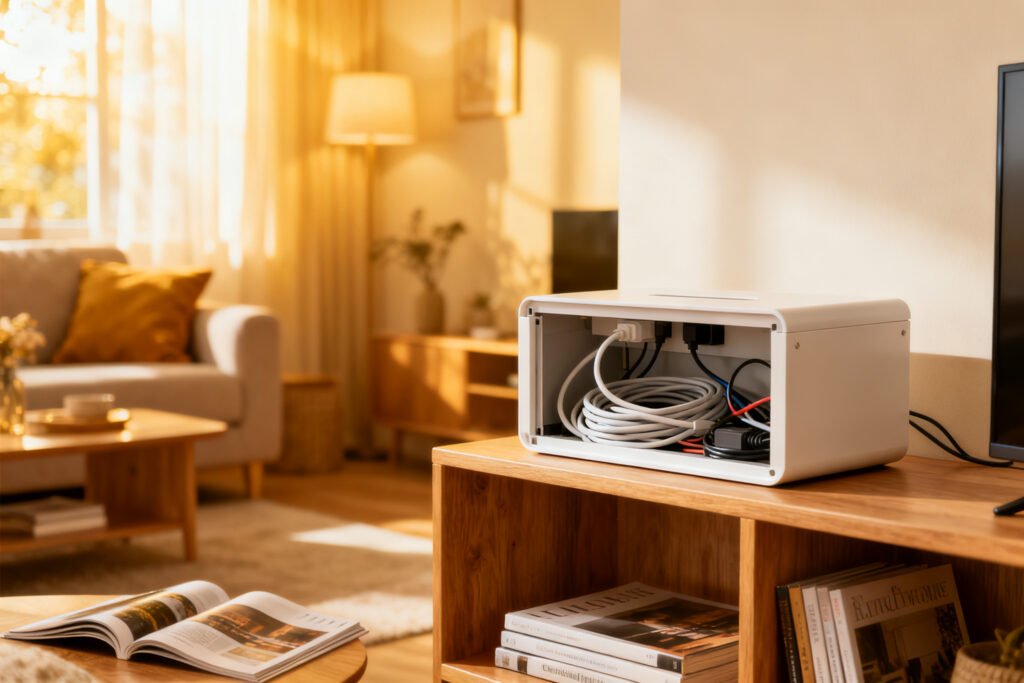
Cut small holes in the sides of a shoebox, drop in your power strip, and thread cords through. Paint it, wrap it, or leave it plain. Place it behind the TV stand or under the desk. Bonus: it doubles as dust protection for the strip.
Hide in baskets and bins
A woven basket looks nicer than a nest of wires.
Drill or cut a hole in the back for the main power cable, then feed device cords inside. The texture camouflages bumps and lumps, IMO.
Books and binders trick
Hollow out an old hardback (thrift store find) or use a faux book box. Slide a small router or power brick inside, route cables through the spine side, and park it on a shelf.
It screams “I read” while it whispers “I hide cords.”
Make the Baseboards Do the Work
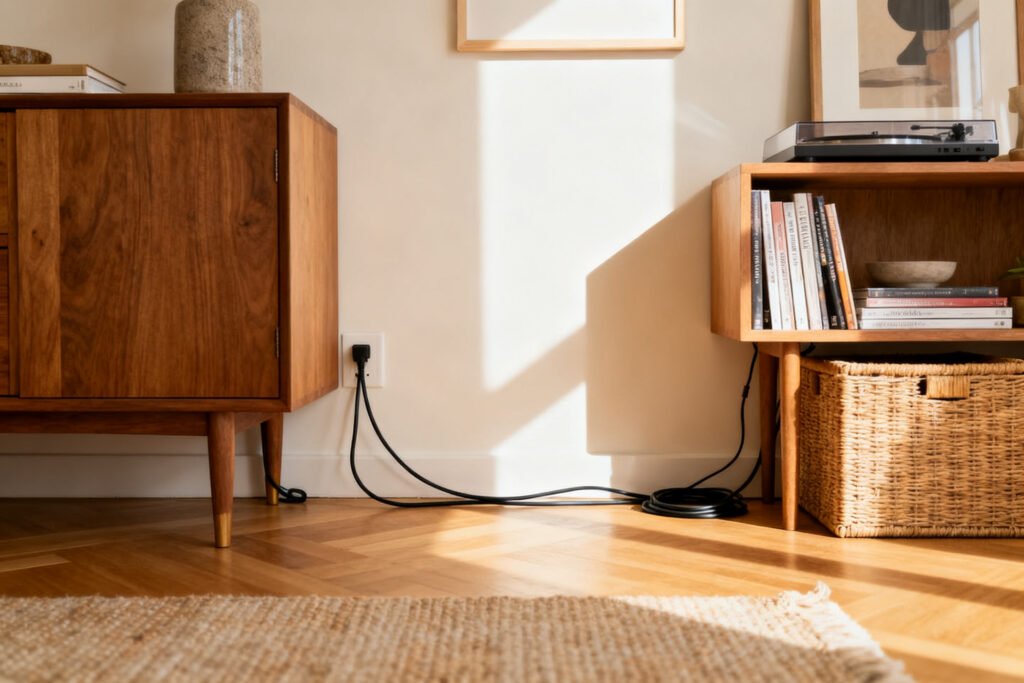
If you need a tidy path across a room, hug the perimeter. Adhesive raceways (cheap, paintable plastic channels) stick along baseboards and door frames. Snap them open, drop in your cable, snap shut, and paint to match the wall.
Poof—gone.
When a raceway makes sense
- You can’t put holes in walls (renters, I see you)
- You want to cross a doorway without a trip hazard
- You need to run Ethernet cleanly from router to office
You can also fake a raceway with cord covers meant for floors. They’re rubber ramps you can tape down on carpet or hardwood. Choose a color close to your flooring and pretend it was always part of the plan.
Tame the “Behind the TV” Jungle
TV setups breed cables like bunnies.
Tackle it with a few cheap moves.
- Mount a power strip to the back of your TV stand using command strips or small screws (if allowed). Shorter cable runs = less mess.
- Bundle by function: HDMI group, power group, and “random extras.” Assign each group its own Velcro tie color.
- Shorter cables help a ton. Buy 1–3 ft HDMI or USB cords for close connections. Long cords create spaghetti you don’t need.
- Label ports on the TV and receiver. No more mystery unplugging during movie night.
Wall-mounted TV? Do this
If you can’t run cables in-wall, use a slim raceway that aligns with the TV’s lower edge.
Route the TV power and HDMI together down that single channel to the console. Keep your console decor (plants, frames, soundbar) in front to visually block the exit point. Deception level: classy.

Desk Setup: Zero Visual Clutter
A clean desk boosts your mood and productivity.
It also stops your charger from swan-diving every time you unplug your laptop.
- Under-desk trays or cheap metal letter trays screwed under the desk hold power strips and adapters out of sight.
- Binder clips on the desk edge make free cable anchors. Thread the cable through the silver handle—now your charger stops running away.
- Spiral cable wrap bundles monitor, power, and USB cords into one neat sleeve. It’s inexpensive and surprisingly durable.
- Grommet plugs (the little desk holes) let you route cables cleanly. If your desk lacks one, stick a small adhesive passthrough at the back.
Docking station placement
Mount a thin dock under the desk with heavy-duty Velcro. You’ll cut visible cords by half, and you can still pull it down if you need to swap something. Neat and reversible—renter-friendly, FYI.
Hiding cords is easier once surfaces are clear. The free 5-Day Budget Home Reset helps you declutter first.
Power Bricks and Chargers: The Real Villains
You can wrangle cables all day, but those chunky power bricks will still ruin the vibe.
Hide them smartly and cheaply.
- Mount bricks under furniture with reusable zip ties through adhesive mounts.
- Use short IEC “kettle” leads for monitors and some devices so bricks sit closer to the outlet without a giant cable loop.
- Create a charging box with a small lidded container and a multi-port USB charger. Only the device cables poke out—done.
Color-match to make them vanish
Wrap visible brick faces with a small piece of black or white vinyl tape (not covering vents). It blends with most furniture and stops the “floating rectangle” look.
Safety First (Boring but Important)
We love a clean look, but not enough to start a fire, thanks.
Follow a few basics and you’ll stay safe.
- Don’t bury power strips under rugs or blankets. They need airflow.
- Use surge protectors for TVs and computers. Cheap insurance.
- Avoid daisy-chaining power strips. One strip to rule them all.
- Leave slack near plugs and keep connectors accessible. Emergencies happen.
Quick Wins You Can Do Today
Need results in under an hour? Try these.
- Pick up a pack of adhesive clips and a roll of Velcro ties. Transform a desk or TV area fast.
- Make a shoebox power station for your router and modem. Cut holes, drop in, thread out—instant tidy.
- Run a raceway along the baseboard from router to office. Paint later if you care. Or not. IMO it still looks clean.
- Binder-clip your laptop and phone chargers to the desk edge. Zero hunting around.
- Hide a strip in a basket with a cutout at the back. Add a plant on top and you’re stylish now.
FAQ
How do I hide cords in a rental without damaging walls?
Use adhesive raceways, removable clips, and under-desk trays that mount with command strips. Route cords along furniture edges instead of drilling. When you move out, you’ll peel everything off and take it with you like a tidy little gremlin.
What’s the cheapest way to hide a ton of cables?
Bundle first, then hide.
Velcro ties plus a shoebox-turned-power-station handle most messes for a few bucks. Add adhesive clips to route along furniture and you’re 80% done for pocket change.
For more renter-friendly hacks, see damage-free hacks for renters, budget home office setup, and clear cluttered surfaces.
Can I run cables under a rug?
You can run low-voltage cables (Ethernet, HDMI) under a rug with a flat cord cover, but don’t trap power strips or thick power cords there. Heat and abrasion are not your friends.
If you must cross a walkway, use a floor cord protector designed for the job.
How do I keep chargers from falling behind the nightstand?
Stick two or three adhesive cable clips to the nightstand top or side. Thread lightning/USB-C cables through and leave a small loop. They’ll stay put, and you won’t go spelunking at midnight with your phone at 3%.
Is it worth buying shorter cables?
Absolutely.
Extra length creates visual clutter and tangles. Swap a 6-foot HDMI for a 3-foot if your devices sit side by side. Short power cords reduce loops and make your clips do less heavy lifting.
How do I hide cables for a wall-mounted TV without in-wall work?
Use a slim adhesive raceway from the TV’s bottom edge straight down to your console.
Bundle power and HDMI together inside it, then disguise the exit with decor. Paint the raceway to match the wall for a near-invisible finish.
Wrapping It Up
You don’t need custom furniture or a weekend of swearing to hide cords. Declutter, bundle, route, and disguise with cheap tools you can grab at any hardware store—or your closet.
Focus on the big offenders first (TV area, desk, chargers), and the rest feels easy. Do a few quick wins today, and tomorrow your place will look sharper, calmer, and way less like a cable commercial blooper reel.